Progressive Web Apps: The Secret Sauce Behind Faster, Smarter, and More Engaging Websites
Discover how Progressive Web Apps (PWAs) blend the best of websites and mobile apps to deliver lightning speed, offline access, and higher engagement. Learn why businesses are switching to PWAs today!
Introduction:
Imagine visiting a website that loads instantly, works offline, and feels just like a mobile app without ever needing to download anything. Sounds like magic, right? It’s not. It’s called a Progressive Web App (PWA), and it’s quietly revolutionizing how we interact with the web.
For years, businesses struggled to choose between websites and mobile apps. Websites were accessible but slow. Apps were fast but required downloads. PWAs? They’re the perfect middle ground, blazing fast, installable, and always up-to-date.
But here’s the kicker: Many people still don’t know what PWAs are or why they matter. If you’re curious about the future of web technology, stick around. By the end of this article, you’ll understand why PWAs are a game-changer and why they might just replace traditional apps sooner than you think.
Progressive Web Apps (PWAs): The Future of Web and Mobile Experience
Progressive Web Apps (PWAs) are not just another tech buzzword, they’re a fundamental shift in how websites function. Combining the best features of websites and mobile apps, PWAs deliver speed, reliability, and engagement like never before.
What Makes PWAs Special?
Unlike traditional websites, PWAs work offline, load instantly, and can be installed on your home screen. They use modern web technologies like Service Workers and Web App Manifests to create an app-like experience without the app store hassle.
Key Benefits of PWAs:
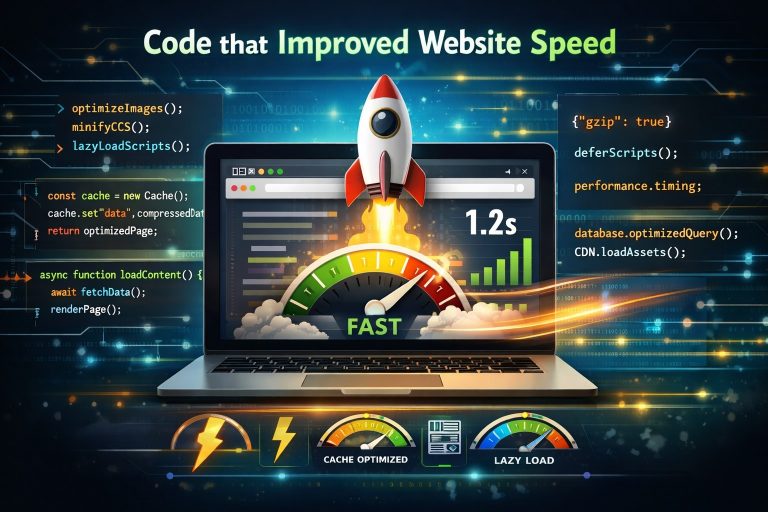
1. Lightning-Fast Performance: Thanks to caching, PWAs load in milliseconds, even on shaky networks.
2. Offline Functionality: No internet? No problem. PWAs can still display content and perform tasks.
3. No Downloads Required: Users can “install” PWAs directly from their browser, no app store needed.
4. Automatic Updates: Unlike native apps, PWAs update silently in the background.
5. Better Engagement: Push notifications and home screen icons keep users coming back.
Why Businesses Love PWAs:
Big names like Twitter, Pinterest, and Starbucks have already adopted PWAs and seen massive results. Twitter’s PWA reduced data usage by 70% while increasing engagement by 65%. Starbucks’ PWA lets customers browse menus and order coffee offline, boosting sales significantly.
How PWAs Work:
PWAs rely on three core technologies:
– Service Workers: Scripts that run in the background, handling caching and offline support.
– Web App Manifest: A JSON file that tells the browser how the PWA should behave when installed.
– HTTPS: Ensures security, a must for any PWA.
Are PWAs Replacing Native Apps?
For many businesses, yes. Unless an app needs deep hardware access (like AR or advanced gaming), a PWA is often the smarter choice. They’re cheaper to develop, easier to maintain, and reach more users.
Important Phrases Explained:
1. Service Workers: These are scripts that run separately from the main browser thread, enabling features like offline access and background sync. They act as a proxy between the app and the network.
2. Web App Manifest: A simple file that defines how the PWA appears when installed. It controls the app’s name, icons, and splash screen, making it feel like a native app.
3. Offline-First Design: A development approach where apps are built to function without internet, then enhance when online. PWAs excel at this, providing seamless user experiences.
4. Push Notifications: Messages sent to users even when they’re not actively using the PWA. This boosts engagement by reminding users to return.
5. App Shell Model: A design technique where the basic UI is cached for instant loading, while dynamic content loads later. This makes PWAs feel incredibly fast.
Questions Also Asked by Other People Answered:
1. Can PWAs work on iOS?
Yes, but with some limitations. Apple was slow to adopt PWA features, but iOS now supports basic offline functionality and home screen installation. However, push notifications and some APIs still lag behind Android.
2. Are PWAs better than native apps?
It depends. PWAs win in cost, reach, and ease of updates. Native apps still lead in performance-heavy tasks like gaming or augmented reality.
3. Do PWAs appear in app stores?
Some do. Google Play allows PWAs, and Microsoft Store lists them. Apple’s App Store doesn’t, but you can still install PWAs via Safari.
4. How do I convert my website into a PWA?
You’ll need three things: a Service Worker for caching, a Web App Manifest for installation, and HTTPS for security. Frameworks like React or Angular can simplify the process.
5. Are PWAs secure?
Absolutely. PWAs require HTTPS, ensuring encrypted connections. Service Workers also run in a secure sandbox, preventing malicious code execution.
Summary:
Progressive Web Apps are changing the digital landscape by merging the best of websites and mobile apps. They load instantly, work offline, and engage users like never before, all without app store fees or downloads. From faster performance to higher conversions, PWAs offer undeniable advantages. Whether you’re a developer or a business owner, understanding PWAs is key to staying ahead in the evolving web world.
#ProgressiveWebApps #PWAs #WebDevelopment #MobileApps #OfflineWeb #TechTrends #WebPerformance #FutureOfWeb #AppDevelopment #DigitalTransformation